
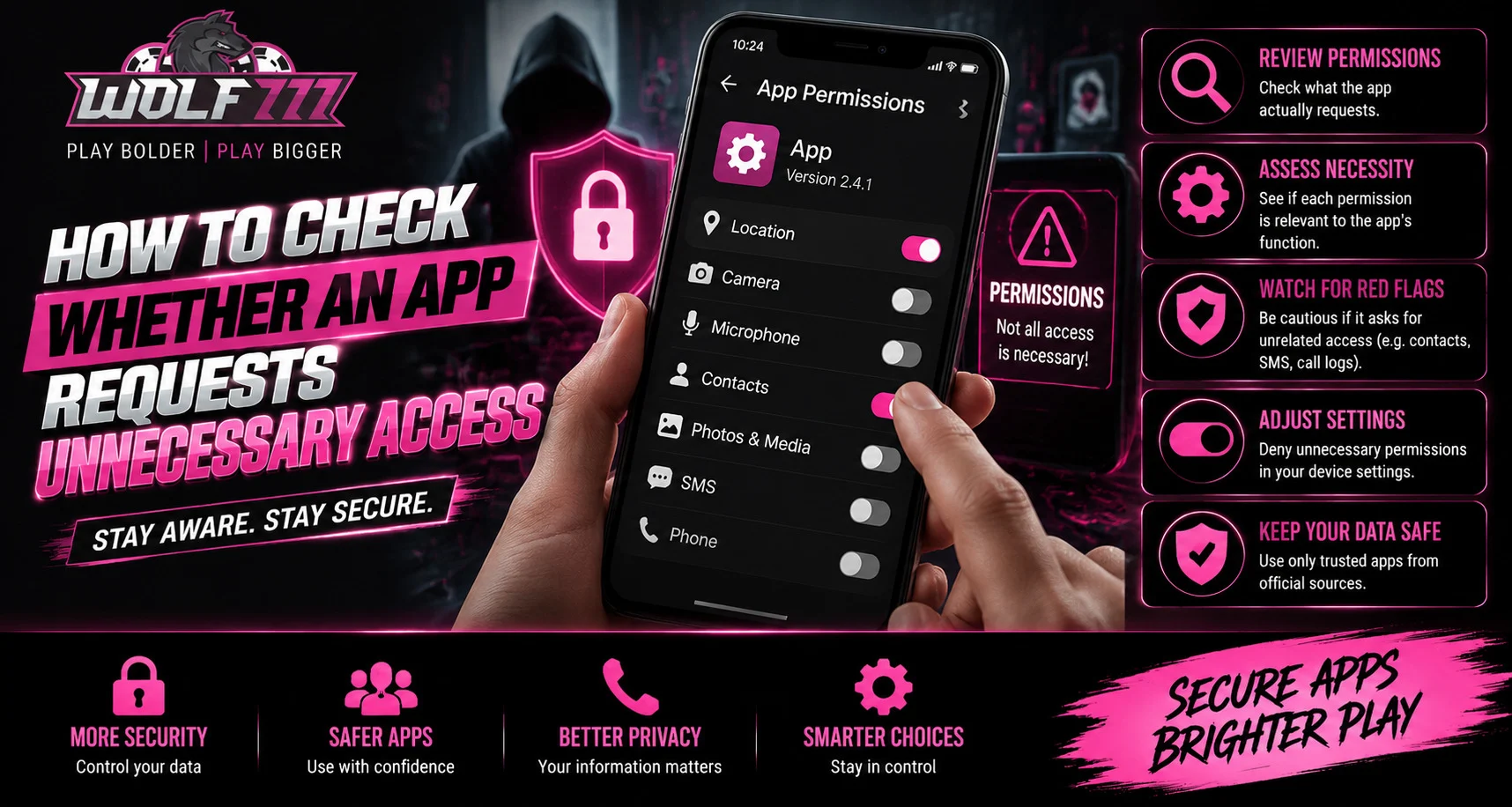
Introduction
Mobile apps often request access to certain device features to provide their services. However, not every permission is necessary for an app to work properly. For users accessing Wolf777 and other online platforms, understanding app permissions can help reduce unnecessary data exposure and improve overall mobile security.
Checking permissions before or after installation is a simple habit that can help users understand what information an app can access. It also makes it easier to identify permissions that do not appear relevant to the app’s main purpose.
What Are App Permissions?
App permissions are controls that determine which device features or information an application can access.
Common examples include:
- Camera
- Microphone
- Contacts
- Location
- Photos and videos
- Phone information
- Notifications
- Storage or files
Some permissions may be essential for specific functions, while others may not be required at all.
Start by Understanding the App’s Purpose
Before reviewing permissions, consider what the application is designed to do.
For example, a navigation app may reasonably require location access, while a simple calculator should not normally need access to contacts or a microphone.
Ask yourself:
- What is the main function of the app?
- Which permissions would logically support that function?
- Does the requested access appear excessive?
- Can the app work without certain permissions?
This simple comparison can help identify unusual requests.
Review Permissions Before Installation
Android and iOS devices provide information about the access an application may request. Checking this information before installing an unfamiliar app gives users an opportunity to reconsider whether the permissions appear reasonable.
Pay particular attention when an app requests access to:
- Contacts without an obvious reason
- Microphone when voice features are unnecessary
- Location when location services are not relevant
- Photos or files without a clear purpose
- Camera when no camera-related feature exists
An unusual combination does not automatically mean an application is unsafe, but it deserves closer attention.
Check Permissions After Installation
Permission reviews should not stop after installation. Apps can request additional access later when new features are introduced.
On your phone, open the application’s permission settings and review each category individually. If a permission is unnecessary, consider changing it to a more restrictive option where your operating system allows it.
Regularly reviewing permissions can also help you discover older apps that still have access to information they no longer need.
Be Careful With “Allow All” Choices
When an application displays several permission requests, users may be tempted to approve everything quickly.
Instead, read each request before selecting an option.
Consider:
- Allowing access only when needed
- Choosing limited access where available
- Denying permissions unrelated to the app’s purpose
- Checking whether access can be changed later
Taking a few extra seconds can provide better control over personal information.
Review App Settings and Privacy Controls
Permission settings are only one part of mobile privacy. Many applications also contain their own privacy and account settings.
Users should review:
- Data-sharing preferences
- Notification settings
- Account visibility
- Advertising preferences
- Connected services
- Security options
If you regularly use services through a mobile browser or application, including when completing a Wolf777 Login, checking the device’s security and permission settings can be a useful part of your routine.
Keep Your Phone and Apps Updated
Security updates can address vulnerabilities and improve permission controls. Keep your operating system and applications updated through trusted sources.
It is also useful to remove apps that you no longer use. An unused application does not need continued access to device resources or personal information.
What to Do If a Permission Seems Unnecessary
If an app requests access that appears unrelated to its purpose, avoid approving it immediately.
You can:
- Deny the permission.
- Check whether the app still functions correctly.
- Review the developer’s privacy information.
- Look for an alternative application if necessary.
- Remove the app if its requests remain concerning.
Avoid downloading modified or unofficial versions simply to bypass permission controls.
Conclusion
Understanding app permissions is an important part of maintaining better mobile privacy. By comparing requested access with an application’s actual purpose, reviewing permissions regularly, and avoiding unnecessary approvals, users can maintain greater control over their device information.
A few minutes spent checking permissions can become a useful security habit, particularly when using multiple apps and online services on a smartphone.
FAQs
Why do apps request permissions?
Apps request permissions to access specific device features or information needed for particular functions.
Should every app have location access?
No. Location access should generally be limited to applications that genuinely need location-related functionality.
Can app permissions be changed after installation?
Yes. Modern smartphones generally allow users to review and modify permissions through device settings.
What should I do if an app requests too many permissions?
Review each request carefully, deny unnecessary access, and consider removing the app if its permissions appear unreasonable.
Is denying a permission always safe?
Denying an optional permission is generally fine, although some app features may stop working if they depend on that permission.


