
Introduction
Temporary account lockouts are a common security measure used to protect online accounts from repeated unauthorized login attempts. When several incorrect passwords are entered within a short period, a security system may temporarily restrict access. For users following account-security guidance through Wolf777, understanding why this happens can make login problems easier to manage.
A temporary lockout does not necessarily mean that an account has been compromised. It can simply indicate that the platform’s security system has detected repeated unsuccessful attempts.
Why Do Temporary Lockouts Happen?
The main purpose of a temporary lockout is to prevent someone from repeatedly guessing an account password.
Common triggers include:
- Entering the wrong password several times
- Using an outdated saved password
- Repeatedly attempting to log in from different devices
- Accidentally using incorrect account credentials
- Automated login attempts detected by security systems
- Unusual login behaviour
The exact number of failed attempts required to trigger a lockout depends on the platform’s security settings.
How Lockouts Help Protect Accounts
Without protective measures, an attacker could repeatedly test different password combinations. A temporary restriction makes this type of activity more difficult.
Lockouts can help:
- Slow down repeated login attempts
- Protect account credentials
- Alert users to unusual activity
- Reduce automated password-guessing attempts
- Give security systems time to detect suspicious behaviour
This makes temporary restrictions an important part of account protection.
Incorrect Passwords Are Not Always the Problem
Sometimes users enter the correct password but still experience login difficulties.
Possible causes include:
- Browser autofill using an old password
- Keyboard language or Caps Lock issues
- Extra spaces copied into a password field
- A recently changed password not being updated on another device
- Temporary browser problems
- Network-related issues
Before making repeated attempts, carefully check the credentials being entered.
What Happens During a Lockout?
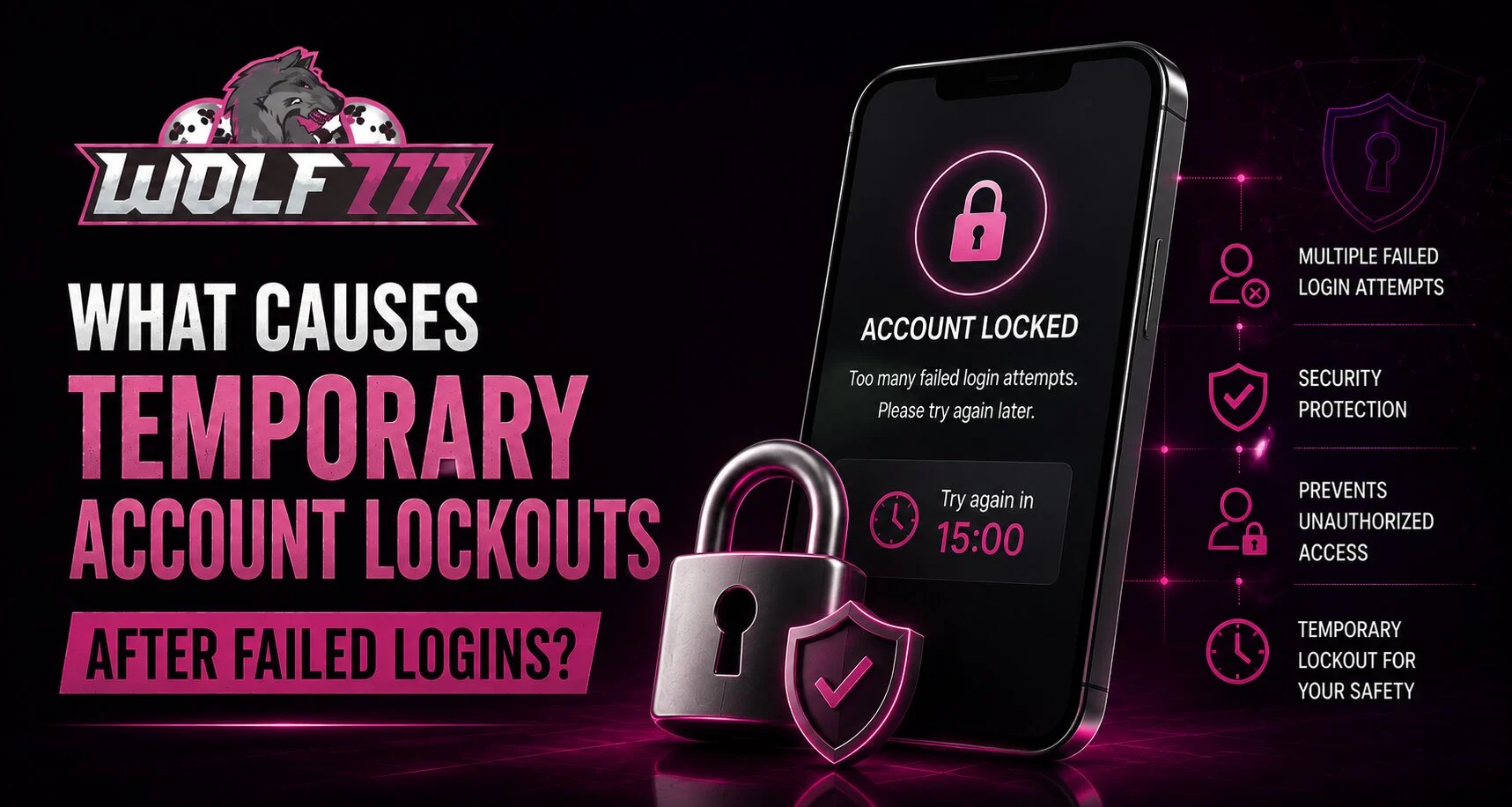
A temporary lockout usually prevents additional login attempts for a defined period.
Depending on the platform, users may see:
- A temporary lockout message
- A countdown or waiting period
- Instructions for account recovery
- A password-reset option
- A request to contact support
The safest approach is to follow the instructions provided by the platform rather than repeatedly trying different passwords.
What Should You Do After a Lockout?
If your account has been temporarily locked, avoid making repeated attempts immediately.
Instead:
- Stop entering passwords for a short period.
- Check whether the platform provides a lockout message.
- Confirm that you are using the correct username or account details.
- Use the official password-recovery option if necessary.
- Change your password if you suspect someone else attempted access.
- Contact official support if the lockout continues.
Waiting for the security restriction to expire can be more effective than repeatedly attempting to log in.
When Should You Be Concerned?
A single lockout caused by a forgotten password is usually not unusual. However, repeated lockouts that occur without your involvement deserve closer attention.
Be particularly careful if you notice:
- Login alerts you do not recognize
- Password-reset messages you did not request
- Changes to account information
- Unknown devices or sessions
- Multiple lockouts while you are not trying to log in
These signs could indicate that someone else is attempting to access the account.
Protecting Your Account From Future Lockouts
Good account-security habits can reduce both unauthorized attempts and accidental lockouts.
Consider these practices:
- Use a strong, unique password.
- Keep your password stored securely.
- Avoid sharing login credentials.
- Update saved passwords after changing them.
- Keep your recovery information current.
- Use additional security features when available.
- Avoid logging in through suspicious links.
For users accessing Wolf777 com, checking the address carefully before entering account information is also a useful security habit.
What If You Forgot Your Password?
If repeated failed attempts happened because you forgot your password, avoid guessing repeatedly. Instead, use the official recovery process.
A legitimate recovery process may involve:
- Confirming your registered information
- Receiving a verification message
- Creating a new password
- Completing additional security checks
Never give your password or OTP to another person claiming to provide account-recovery assistance.
Account Recovery and Login Safety
Users experiencing a Wolf777 login issue should rely on official account-recovery and support channels. Avoid unofficial websites, messages or individuals promising instant access to a locked account.
Also remember that verification codes are intended for the account owner. Sharing them can create additional security risks.
Conclusion
Temporary account lockouts after failed logins are primarily designed to protect users from repeated unauthorized access attempts. They can also occur because of simple mistakes, such as an outdated saved password or repeated incorrect entries.
The best response is to stop repeated attempts, verify your credentials, use the official recovery process when needed and contact legitimate support if the problem continues. Keeping passwords private and maintaining good security habits can further reduce the risk of account-access problems.
FAQs
Why does an account temporarily lock after failed logins?
A security system may temporarily restrict access after several unsuccessful attempts to prevent repeated password-guessing or suspicious activity.
How long does a temporary lockout last?
The duration varies between platforms and security systems. Follow the instructions shown in the account’s lockout message.
Should I keep trying to log in during a lockout?
No. Repeated attempts may extend or complicate the restriction. It is better to follow the platform’s recovery instructions.
Can an outdated saved password cause a lockout?
Yes. A browser or password manager may automatically enter an old password after you have changed your credentials.
What should I do if I did not make the failed login attempts?
Change your password through the official process, review available security activity and contact legitimate support if necessary.
Can I prevent future account lockouts?
Using the correct credentials, keeping saved passwords updated and protecting your login details can reduce accidental and unauthorized failed attempts.


