
Introduction
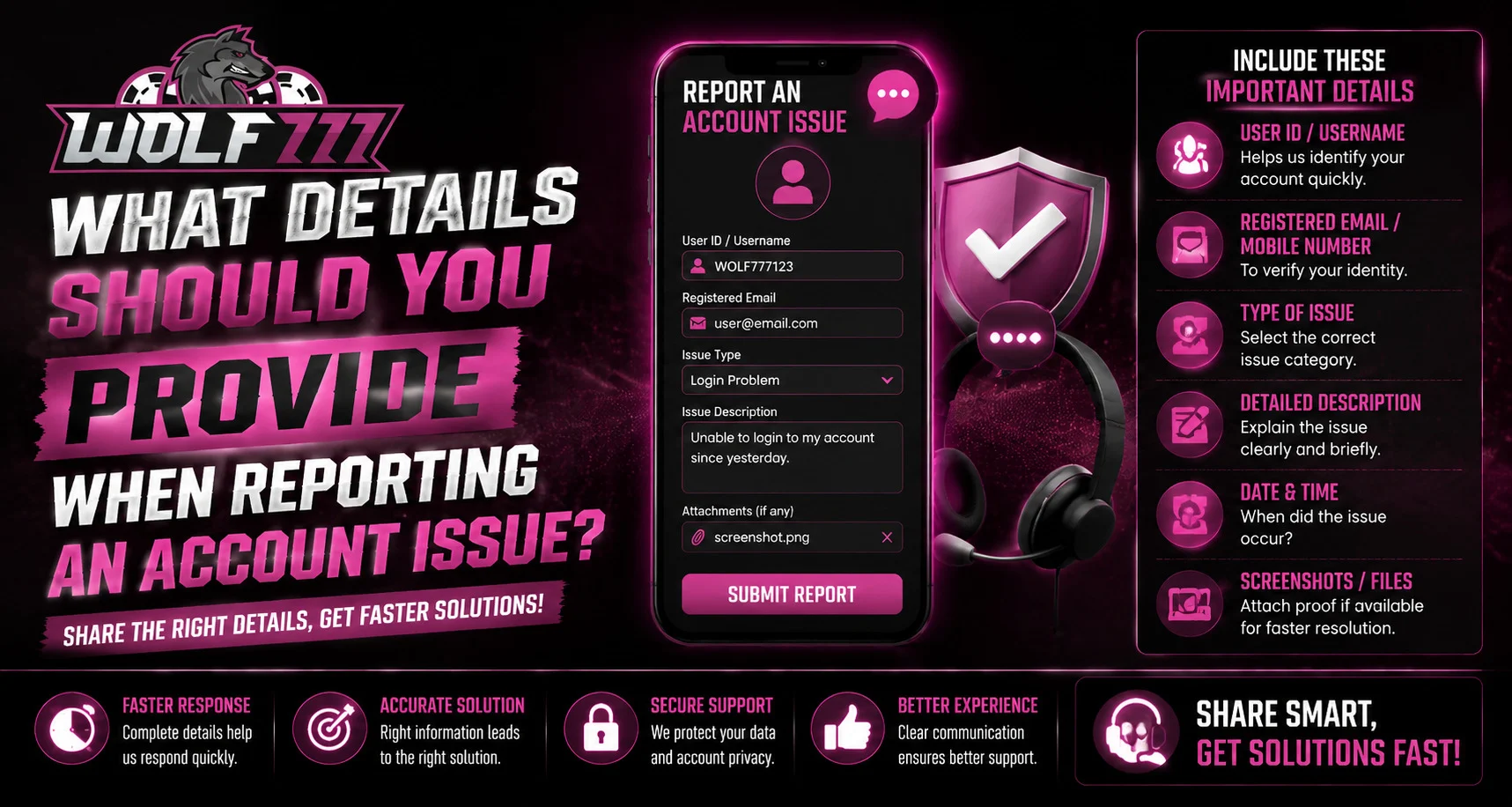
Account problems can happen for several reasons, including login errors, forgotten credentials, payment delays, verification issues, or technical difficulties. When reporting an issue, providing clear and relevant information can help support teams understand the situation more efficiently. For users accessing Wolf777, knowing what details to include in a support request can make communication clearer while avoiding unnecessary sharing of sensitive information.
Why Providing the Right Details Matters
A vague support request such as “my account is not working” may not provide enough information to identify the problem. A concise description supported by relevant details gives the support team a better starting point.
Providing useful information can help:
- Identify the type of account problem.
- Understand when the issue started.
- Determine whether the problem is device-specific.
- Review relevant transaction information.
- Reduce unnecessary back-and-forth communication.
- Reach an appropriate solution more efficiently.
However, users should only provide information that is genuinely required to investigate the issue.
Describe the Account Problem Clearly
Start by explaining exactly what happened. Avoid using a general statement when you can describe the specific problem.
For example, explain whether you are experiencing:
- A login failure.
- A password-related problem.
- An account verification issue.
- A payment or transaction delay.
- A page that is not loading correctly.
- An unexpected account message.
- A problem with a mobile browser or application.
A short and accurate description helps establish the context immediately.
Mention When the Problem Started
The approximate date and time of the issue can be useful, particularly when reporting payment or technical problems.
Include:
- The date the issue occurred.
- Approximate time, if known.
- Whether the issue is still happening.
- Whether the problem occurred once or repeatedly.
For example, saying that an error appeared several times during the same session is more useful than simply saying that the account is not working.
Include Relevant Error Messages
If the website displays an error message, provide the exact wording whenever possible. A screenshot can also be useful if it does not expose private information.
Before sharing a screenshot, check it carefully and hide:
- Passwords.
- OTPs.
- Bank account numbers.
- Card information.
- Personal identification numbers.
- Other confidential information.
The goal is to provide evidence of the problem without exposing sensitive credentials.
Provide Basic Device Information
Technical problems can sometimes depend on the device or browser being used. Mentioning basic technical information can help narrow down the cause.
Useful details include:
- Smartphone, tablet, or computer.
- Operating system.
- Browser name.
- Whether the browser is updated.
- Whether the issue occurs on another device.
You generally do not need to provide excessive technical information unless support specifically requests it.
Transaction Issues Need Additional Information
For a payment-related problem, transaction information can be especially helpful. If available, provide:
- Transaction reference number.
- Transaction date and approximate time.
- Transaction amount.
- Payment method used.
- Current transaction status.
- Relevant confirmation or error message.
Do not send your banking password, PIN, OTP, or complete card credentials when reporting a payment problem.
Mention What You Have Already Tried
Tell support what troubleshooting steps you have already completed. This prevents unnecessary repetition.
For example, you can mention whether you have:
- Refreshed the page.
- Closed and reopened the browser.
- Cleared temporary browser data.
- Checked your internet connection.
- Tried another supported browser.
- Attempted the action again later.
This information can help establish whether the issue is temporary or persistent.
Keep Your Support Request Secure
When reporting an account issue, avoid sharing more information than necessary. Legitimate support should not require you to disclose sensitive authentication information such as passwords or OTPs.
Users should also be cautious of unsolicited messages requesting account credentials. If you are accessing the Wolf777 login area, verify the website address before entering your password or other account information.
When searching for Wolf777 com, avoid clicking unfamiliar links from random messages or unofficial sources. Always verify that you are using the intended website before entering account details.
A Simple Support Request Format
A clear report can follow this structure:
- Issue: Explain what is not working.
- Time: Mention when the problem occurred.
- Error: Include the exact error message.
- Device: State the device and browser being used.
- Transaction: Add the reference number if the issue involves a payment.
- Troubleshooting: Mention steps already attempted.
- Request: Clearly state what assistance you need.
Keeping the message organized makes it easier to understand and review.
Conclusion
Reporting an account issue does not require sharing every piece of personal information. The most useful approach is to provide a clear description of the problem, when it occurred, relevant error messages, basic device information, and transaction references where applicable. At the same time, passwords, OTPs, PINs, and other sensitive credentials should remain private. A concise and secure support request can make account troubleshooting more straightforward.
FAQs
What should I include when reporting an account problem?
Describe the issue, when it occurred, any error message, your device and browser, and relevant transaction information if applicable.
Should I provide my password to support?
No. Passwords, OTPs, PINs, and similar authentication credentials should never be shared.
Should I include a screenshot?
A screenshot can help demonstrate an error, but remove or hide sensitive information before sharing it.
What information is useful for a payment issue?
A transaction reference, date, approximate time, amount, payment method, and displayed status can help with investigation.
Why should I mention my device and browser?
Some technical problems may be related to a particular device, browser, or software version, so this information can help identify potential causes.


