
Introduction
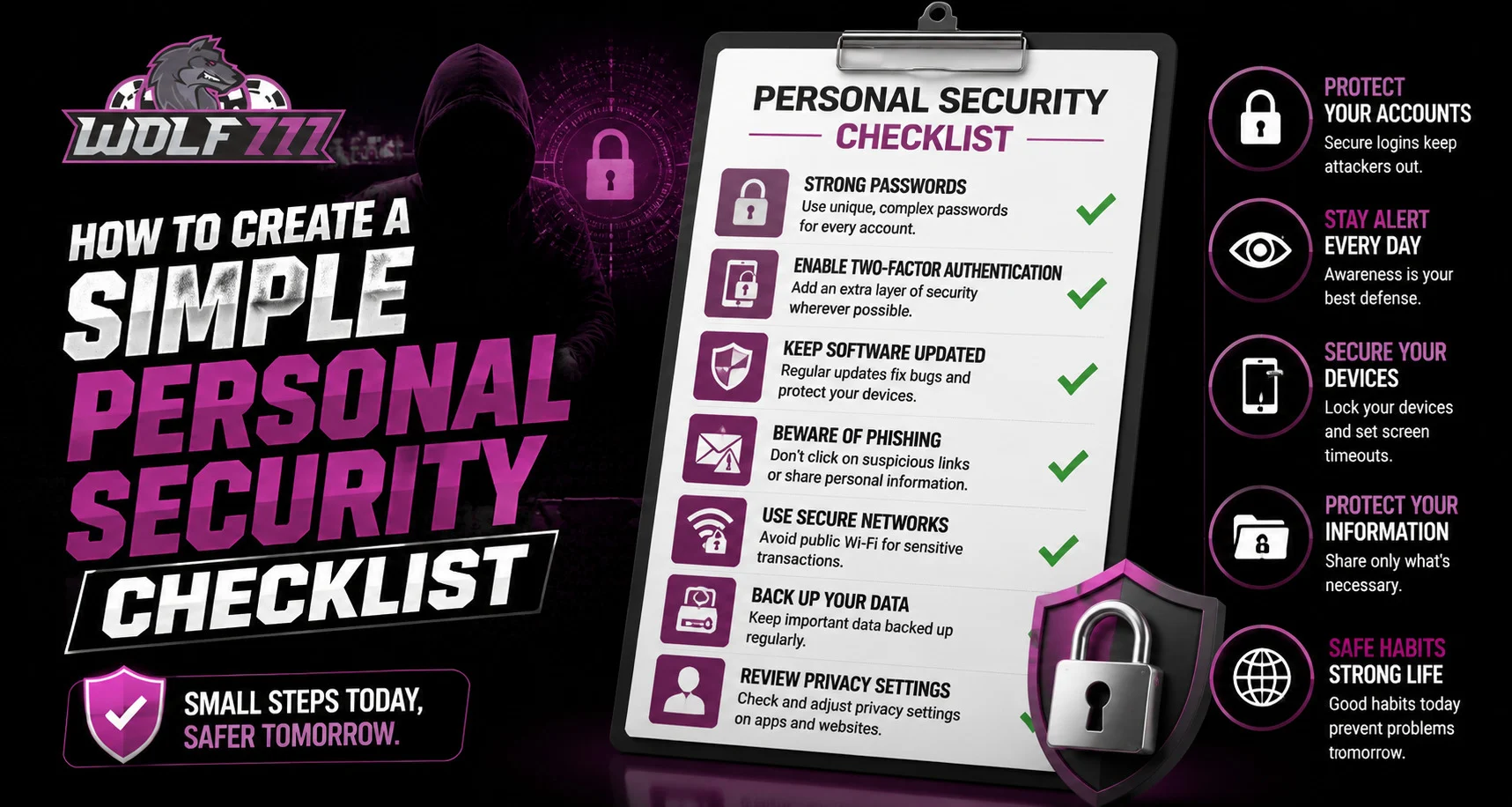
Online account security is not only about having a strong password. Everyday habits such as checking login activity, protecting devices, reviewing account settings, and being careful with unfamiliar links can also reduce security risks. A simple personal security checklist gives users an easy routine to follow without making online account management complicated. For users accessing Wolf777, maintaining these basic habits can help create a safer and more organized online experience.
Why a Personal Security Checklist Is Useful
Security tasks are easy to overlook when there is no regular routine. A checklist provides a quick way to review the most important areas of an account and connected devices.
A basic security checklist can help you:
- Identify weak or reused passwords.
- Review recent account activity.
- Keep devices and browsers updated.
- Recognize suspicious messages or links.
- Protect payment-related information.
- Improve privacy settings.
- Respond more quickly to unusual account activity.
The goal is consistency rather than complexity.
Start With Strong Password Practices
Passwords are one of the first lines of account protection. Each important online account should have a unique password rather than using the same password everywhere.
Your checklist should include:
- Use a strong and unique password.
- Avoid easily guessed personal information.
- Do not reuse important passwords across websites.
- Consider using a reputable password manager.
- Change a password if you believe it has been exposed.
- Never share your password with another person.
Where multi-factor authentication is available, enabling it can add another layer of protection.
Review Account Activity
Regularly checking account activity can help you identify actions that you do not recognize. Look for unfamiliar login locations, devices, or sessions.
If something appears unusual:
- Review the activity carefully.
- Sign out of unfamiliar sessions where possible.
- Change your password if necessary.
- Check your recovery information.
- Contact the appropriate support channel if the activity cannot be explained.
When using the Wolf777 login area, users should make sure they are entering credentials only on the intended website.
Keep Your Devices Updated
Security updates often address vulnerabilities that could otherwise be exploited. Your checklist should therefore include regular updates for:
- Operating systems.
- Web browsers.
- Mobile applications.
- Security software.
- Other regularly used software.
Automatic updates can be useful when available because they reduce the chance of forgetting important patches.
Be Careful With Links and Messages
Phishing attempts can appear as emails, text messages, social media messages, or advertisements. They may encourage users to click a link, provide account information, or act urgently.
Before opening an unfamiliar link:
- Check the sender.
- Inspect the website address.
- Be cautious of urgent requests.
- Avoid entering passwords after following unexpected links.
- Verify important requests through an independent source.
Users searching for Wolf777 com should also confirm the website address before entering account credentials or other private information.
Protect Payment Information
Financial information deserves additional care. Avoid sharing passwords, banking PINs, OTPs, or complete payment credentials with anyone claiming to provide support.
Include these checks in your routine:
- Review transaction notifications.
- Check payment details before confirming a transaction.
- Avoid making payments through unknown links.
- Keep banking credentials private.
- Report suspicious transactions promptly.
Taking a few moments to verify payment information can prevent avoidable mistakes.
Review Privacy Settings
Privacy settings determine how much information an account or device shares. Review these settings periodically rather than assuming the default options are always appropriate.
Check:
- Account visibility.
- Connected applications.
- Location permissions.
- Browser permissions.
- Saved login information.
- Notification preferences.
Remove access for applications or devices you no longer use.
Create a Monthly Security Routine
A checklist becomes more effective when it is used regularly. A simple monthly review could include:
- Check recent account activity.
- Review active sessions.
- Update important passwords when necessary.
- Install pending device updates.
- Remove unknown connected applications.
- Review privacy settings.
- Check recent payment activity.
- Confirm account recovery information.
- Review suspicious messages or security alerts.
Not every item needs to be completed every day. A regular review is usually enough for routine account maintenance.
What to Do After a Security Alert
If you receive an unexpected security notification, avoid ignoring it. First determine whether the activity was actually performed by you.
If you do not recognize it:
- Secure the account immediately.
- Change the password if appropriate.
- End unfamiliar sessions.
- Review recovery information.
- Check recent transactions.
- Contact official support if additional assistance is required.
Avoid responding directly to suspicious messages asking you to verify your credentials.
Conclusion
A personal security checklist does not need to be complicated. Strong passwords, updated devices, careful link handling, account activity reviews, privacy checks, and secure payment habits cover many of the basic areas users should monitor. Creating a simple routine makes these tasks easier to remember and can help users respond quickly when something unusual occurs. The most important principle is to stay consistent and keep sensitive account information private.
FAQs
How often should I review my personal security checklist?
A monthly review is a practical starting point, while important security alerts should be addressed immediately.
Should I use the same password for multiple accounts?
It is better to use unique passwords for important accounts so that one compromised password does not put multiple accounts at risk.
What should I do if I notice an unfamiliar login?
Review the session, secure the account, change the password if necessary, and contact the relevant official support channel if you cannot explain the activity.
Is it safe to share an OTP with support?
No. OTPs are sensitive authentication information and should not be shared with another person.
Can software updates improve security?
Yes. Updates can include security fixes that address known vulnerabilities, so keeping supported software current is an important security habit.


